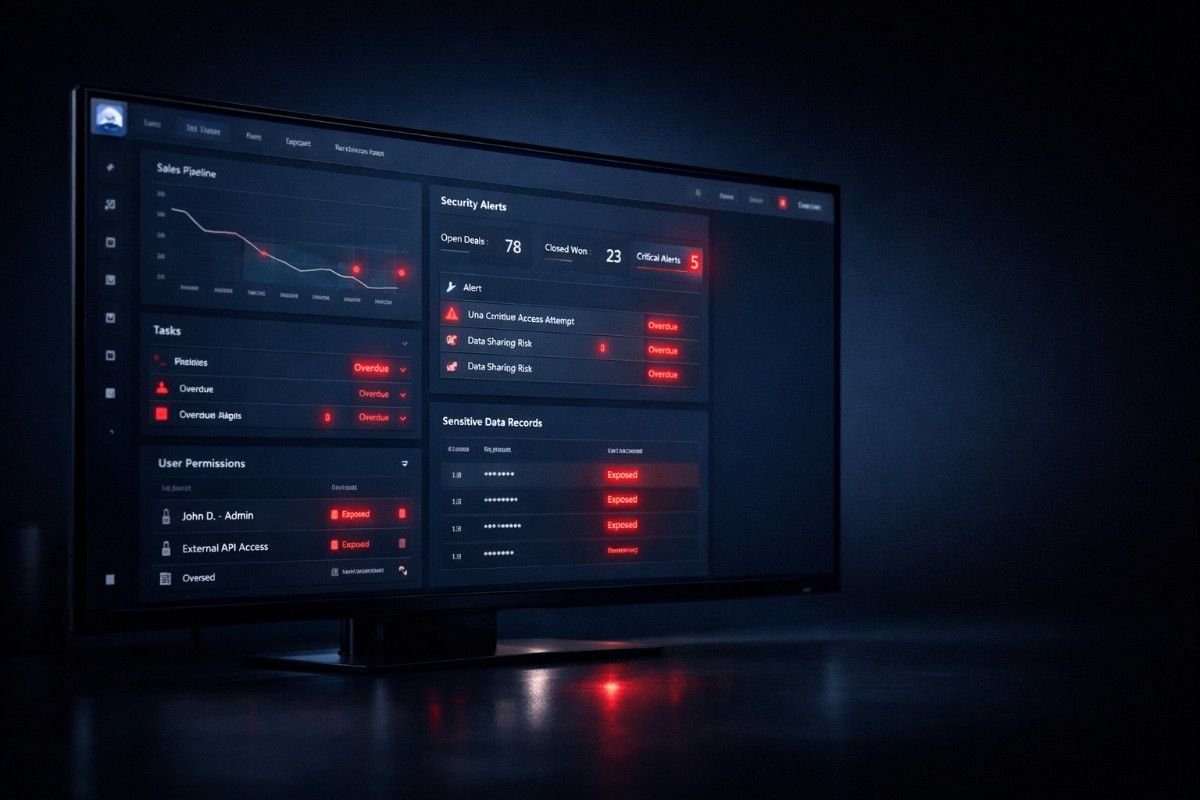
Salesforce is powerful. Most teams rely on it for pipeline, customer data, and reporting. But here’s the uncomfortable truth: Salesforce is not automatically secure.
Takeaways
Many growing companies assume that once the system is set up, it will stay safe. In reality, security gaps often come from misconfigurations, access issues, and changes over time. Not from hackers breaking in.
If your team is scaling, adding integrations, or onboarding new users, your CRM risk is already increasing.
That’s where a Salesforce Health Check becomes critical. Not as a one-time audit. But as a way to actually understand what’s happening inside your system.
Let’s break down the real risks.
Why Salesforce Security Becomes a Problem Over Time
Security issues don’t usually appear overnight. They build up slowly.
As your organization grows:
- New users are added with broad permissions
- Workflows and automations evolve without review
- Third-party apps get connected and forgotten
- Data structures change, but governance doesn’t
We often see teams that trust their CRM. But when reviewed, there are gaps that have been sitting there for months. The risk is not visible until something breaks.
7 Critical Salesforce Security Risks You Should Check Today
These are not theoretical risks. These are patterns seen across growing SaaS and B2B organizations.
RISK 01
Public Data Exposure from Misconfigured Access
This is one of the most common issues.
Salesforce permissions are powerful, but also easy to misconfigure. Profiles, roles, and sharing settings can unintentionally expose sensitive data.
That includes: Customer information, Pricing data, Internal deal notes.
Even a small configuration mistake can make this data accessible beyond intended users.
What to watch for: Objects with overly open access, Users with “view all” or “modify all” privileges, Sharing rules that were never reviewed.
RISK 02
Phishing and Malicious App Risks
Salesforce is increasingly targeted. Not by direct attacks, but through indirect methods. In recent cases, attackers have used:
- Fake Data Loader tools
- Malicious connected apps
- Phishing emails targeting CRM users
Once access is gained, data extraction becomes easy. The issue is not just login security. It’s ecosystem security.
RISK 03
No Clear Visibility into Security Health
Many teams don’t actually know how secure their Salesforce org is. Salesforce provides a Health Check score (0–100). But most teams never review it regularly.
Without this: Risks go unnoticed, Priorities are unclear, Fixes become reactive.
A Health Check gives: A clear baseline, Categorized risks (high, medium, low), A structured starting point.
RISK 04
Manual Fixes and Fragmented Security Settings
Fixing security manually across multiple settings is time-consuming. Teams often fix one issue, miss related configurations, and create inconsistencies.
This leads to partial fixes, recurring problems, and increased admin workload. Salesforce has features like “Fix Risks”. But without a structured approach, it’s easy to overlook dependencies.
RISK 05
Compliance Gaps You Don’t Notice Until It’s Too Late
If you handle customer data, compliance matters. Frameworks like GDPR, HIPAA, or industry-specific regulations require controlled access, data protection, and audit readiness.
The problem is: Most compliance issues come from small misconfigurations. These are rarely visible in day-to-day operations. By the time they are discovered, the impact is already serious.
RISK 06
Misalignment Between Admins and Security Teams
In many organizations, Salesforce admins and security teams operate separately. Admins focus on workflows, user access, and automation. Security teams focus on risk, compliance, and policies.
Without alignment: Risks are misunderstood, Fixes are delayed, Ownership becomes unclear. A Health Check helps translate technical settings into business-level risk.
RISK 07
No Continuous Monitoring (The Biggest Gap)
This is where most companies struggle. They fix issues once. Then move on. But Salesforce is not static: Teams grow, Processes change, Integrations increase.
Which means: New risks keep appearing. Security is not a one-time activity. It requires ongoing review and adjustment.
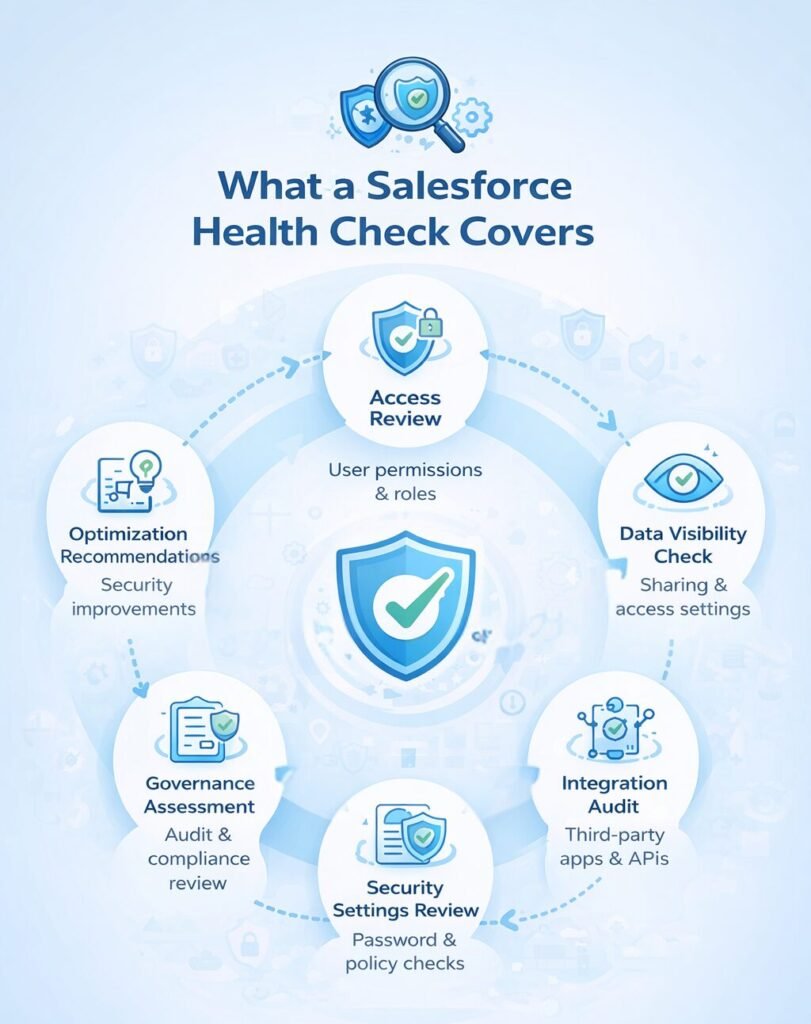
What a Salesforce Health Check Actually Covers
If you’ve never run one properly, here’s what it typically includes. A structured Health Check looks at:
| Category | Focus Areas |
|---|---|
| Access Control | User permissions and role hierarchy |
| Data Privacy | Sharing settings and data access |
| Authentication | Password policies and MFA usage |
| Ecosystem | Connected apps and integrations |
| Governance | Session settings and login controls |
It doesn’t just highlight issues. It helps you understand: What to fix first, What is high risk, What can wait. This makes it practical. Not overwhelming.
Why a One-Time Fix Is Not Enough
Let’s say you fix everything today. What happens next month? A new sales team joins, a new tool gets integrated, or a workflow gets updated. And slowly, gaps come back.
This is why many growing companies move toward CRM managed services instead of one-time audits. Not because they can’t fix issues. But because maintaining consistency becomes difficult as complexity increases.
This applies to both Salesforce and HubSpot CRM setup.
When Should You Run a Salesforce Health Check?
Not sure if this applies to you. These are good indicators. You should consider a Health Check if:
Recent Team Growth
If your team has grown recently, new users have likely been added with broad permissions that haven’t been audited.
New Integrations or Tools
Adding new tools or CRM integration and automation can open new security vectors that need verification.
Data Inconsistency
If reports feel inconsistent or unreliable, it might stem from underlying access or data structure issues.
User Complaints
When users complain about access or visibility, it’s often a sign of deeper configuration problems.
Time Since Last Review
If you haven’t reviewed security in the last 3–6 months, your org is likely out of sync with current best practices.
Even one of these is enough reason to review your system and address common execution challenges in scaling organizations.
Impact Comparison
What Happens If You Ignore
- Sensitive data may be exposed without your knowledge
- Phishing or app-based attacks become easier
- Compliance gaps can lead to penalties
- Teams lose trust in CRM data
- Decision-making becomes unreliable
What Changes When You Address Them
- Data access becomes controlled and predictable
- Security risks are identified early
- Reports become more reliable
- Teams work with more confidence
- Your CRM starts supporting growth instead of slowing it
Final Thought
Salesforce is not just a tool. It’s where your business decisions come from. If the system is unreliable or insecure, everything built on top of it is affected. A Health Check is not about fixing everything overnight.
It’s about understanding where the risks are, what matters most, and how to stay ahead of issues—especially to avoid operational inefficiencies in growing teams.
Take the Next Step
If your Salesforce or HubSpot setup hasn’t been reviewed recently, this may be the right time to take a closer look. A structured Health Check can help you identify hidden risks, improve data reliability, and bring clarity to your CRM setup.
And if ongoing changes are becoming hard to manage internally, Salesforce optimization and continuous CRM support may be a better long-term approach.
Ready to Secure Your CRM?
Don’t wait for a breach to find your gaps. Get a professional health check today.